
Auglaize County Court Record Requests
Begin at the county's Public Access Records page, which splits CourtView into Common Pleas, Municipal, and Juvenile/Probate routes. The online tool can locate a public docket. But an official copy, a document image, an older file, or a question about access to one case belongs with the court or clerk that keeps the record.
The central Clerk of Courts office sits in Room 043, P.O. Box 409, Wapakoneta, Ohio 45895. Call 419-739-6765 for Common Pleas criminal, civil, and domestic records. Call 419-739-6767 for Municipal civil and small claims. And call 419-739-6766 for Municipal traffic and criminal. Requests work in person, by phone, or by mail. Ohio runs no statewide portal for county trial court records. These local channels are the route.
- Identify the court and obtain the case number if possible.
- Use CourtView to locate the public docket and document title.
- State the caption, document requested, and approximate filing or entry date.
- Ask whether a plain or certified copy is required and request a cost estimate.
- Use the clerk or responsible division for delivery, older-file, or access instructions.
Auglaize Juvenile Record Route
Juvenile Court is its own world. Its docket covers delinquency, unruliness, juvenile traffic, abuse, neglect, dependency, parentage, custody, and related matters, all with tight access limits. Even when a case sounds like an adult offense, the Municipal criminal record route will not substitute for the Juvenile division.
The Juvenile Court page lays out the division route. It states that images after July 1, 2009 are available online, subject to restriction and current access status. Anything older means calling the division directly.
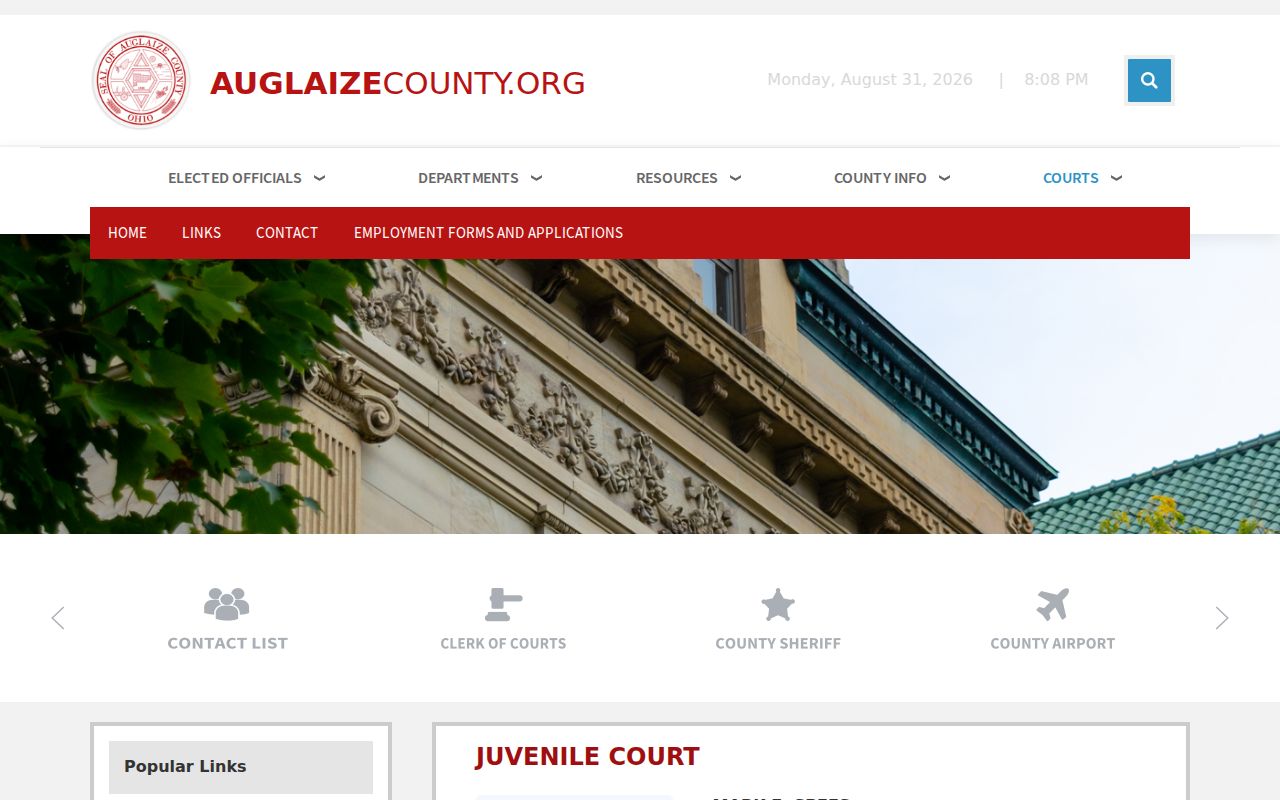
That division-specific path matters. It keeps a public docket lookup separate from a request for sensitive Juvenile case material, so each goes through its lawful channel.
Kinds of Court Records
A docket, sometimes called a register of actions, is only an index. Behind it sit the actual court records: complaints, motions, returns of service, exhibits, judicial entries, sentencing or judgment documents, transcripts, and more. Whether you can view a given item remotely depends on separate rules for that document. Copying at the counter, certification, and redaction each follow their own rules too.
Common Pleas and Municipal files have different historical dates. Juvenile and Probate each carry their own instructions for older images. A docket entry tells you something was filed. It does not promise the image is digitized, public, or on CourtView.
| Record type | What it is | Access caution |
|---|---|---|
| Docket/register | Chronological case index. | Not the entire case file or official proof. |
| Case document | Complaint, motion, entry, exhibit, or related filing. | May be unavailable online or restricted. |
| Certified copy | Court copy with certification where available. | Request it from the maintaining clerk or division. |
| Transcript | Prepared record of a proceeding. | Separate written request and cost process applies. |
Auglaize Probate Record Route
Probate runs on its own division and its own CourtView setup. Its dockets hold estates, guardianships, adoptions, marriage licenses, name changes, and statutory protective proceedings. Cases like these carry strong privacy interests. Never assume every entry or document will be available remotely.
The Probate Court page is the division's public starting point. It points older-record questions to the court. As with Juvenile files, a posted date threshold is no guarantee. It does not mean every later document is public or digitized.
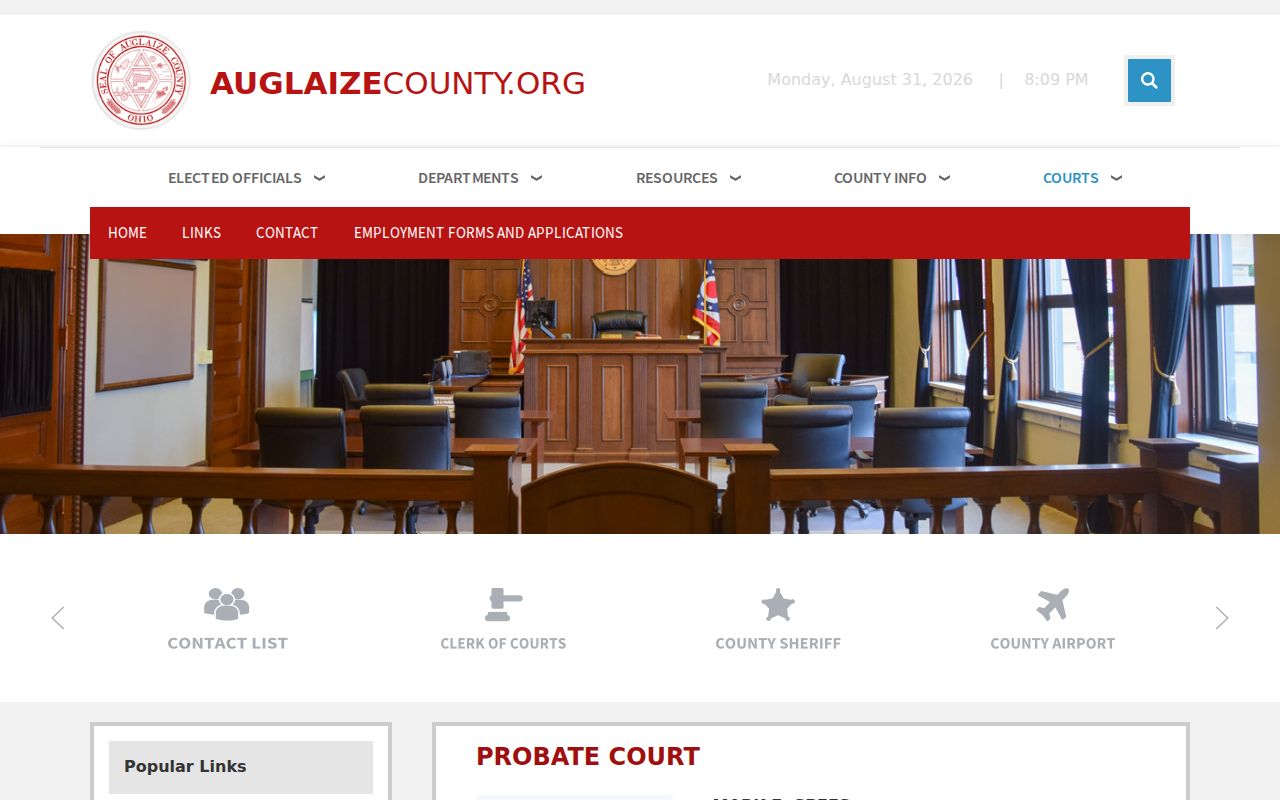
Choose the lawful record channel by case type and division, not by a broad county search.
Court Records: What They Contain
What a case record holds depends on the proceeding. A complaint or indictment starts the case. Service entries show notice activity, and motions ask the court to act. Entries or orders record action by the court or clerk, while a disposition or judgment captures an outcome. Read each label as written. Stretching docket wording or document text beyond its exact words invites error.
| Case number and caption | Core identifiers needed for a precise request. |
|---|---|
| Docket entry | Chronological index item, often shorter than the underlying document. |
| Filing or document | Material behind an entry that may require a clerk or division request. |
| Judgment or sentencing document | Official case material that can require a certified copy. |
| Transcript | Separate record prepared through the court reporter process. |
Auglaize CourtView Image Notice
CourtView is handy for public docket research. But the county says plainly that online information is not an official record. Its public-access material pairs the intended image policy with a November 15, 2024 technical notice about document-image availability. The Clerk FAQ adds that dockets are online while images are not available. The live portal, the court, and the clerk control what you actually see. Juvenile/Probate CourtView eServices is one of the county's separate public portal routes.
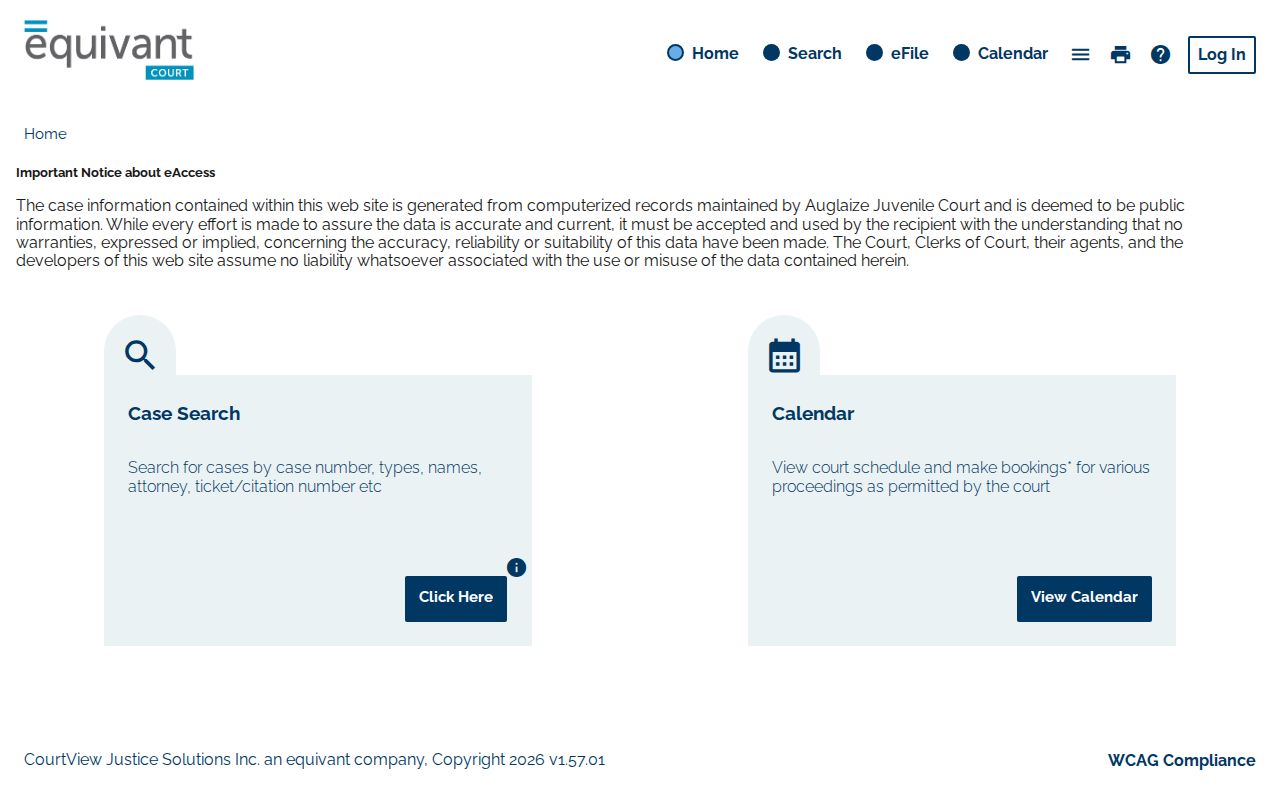
The separate portal helps you find a docket. Document images are another question, since access still turns on the record, the rule, and live system status.
Copy Fees and Certification
Always ask for a cost estimate before you pay. The county publishes no universal plain-copy price. No Common Pleas certified-copy price, no broad request form, and no turnaround promise are posted either. The Municipal Local Rules do list a $1 certified-copy charge. That figure governs Municipal only, so do not carry it over to every division.
| Requested item | Published amount | Local limit |
|---|---|---|
| Municipal certified copy | $1 | Listed in Municipal Rules, not a countywide fee. |
| Common Pleas certified copy | Confirm with clerk | No generally applicable published amount located. |
| Plain court copy | Confirm with clerk | No universal county price located. |
| Transcript | Estimate required | Municipal Rules require written request and cost security. |
Municipal transcripts are not ordinary copies. The rules require a written request by motion served on the court reporter, with an estimate and costs secured before preparation begins. A docket note that a proceeding was recorded proves nothing more; it is not proof that a transcript exists.
Ohio Rules Govern Auglaize Access
Court records in Auglaize County answer to two layers of law. Ohio Revised Code 149.43 sets the public-records baseline. Judicial records, though, sit under Ohio Rules of Superintendence 44 through 47. Those rules speak directly to how clerks handle filings. Rule 45 begins with a presumption of public access. Privacy sometimes needs protection. The rule then favors the least restrictive tool: redaction, limited remote access, initials, generic docket descriptions, or a restriction order. A general public-records request cannot override those rules.
The Municipal Rules add their own guardrails for personal identifiers. Full Social Security numbers may not appear in ordinary filings. Certain unredacted material is kept under limited access instead. So ask for the lawful record itself. Do not try to reconstruct hidden content from the docket entries around it.
For the statutory text behind all of this, Ohio Revised Code 149.43 lays out what the state treats as a public record and what exemptions apply.
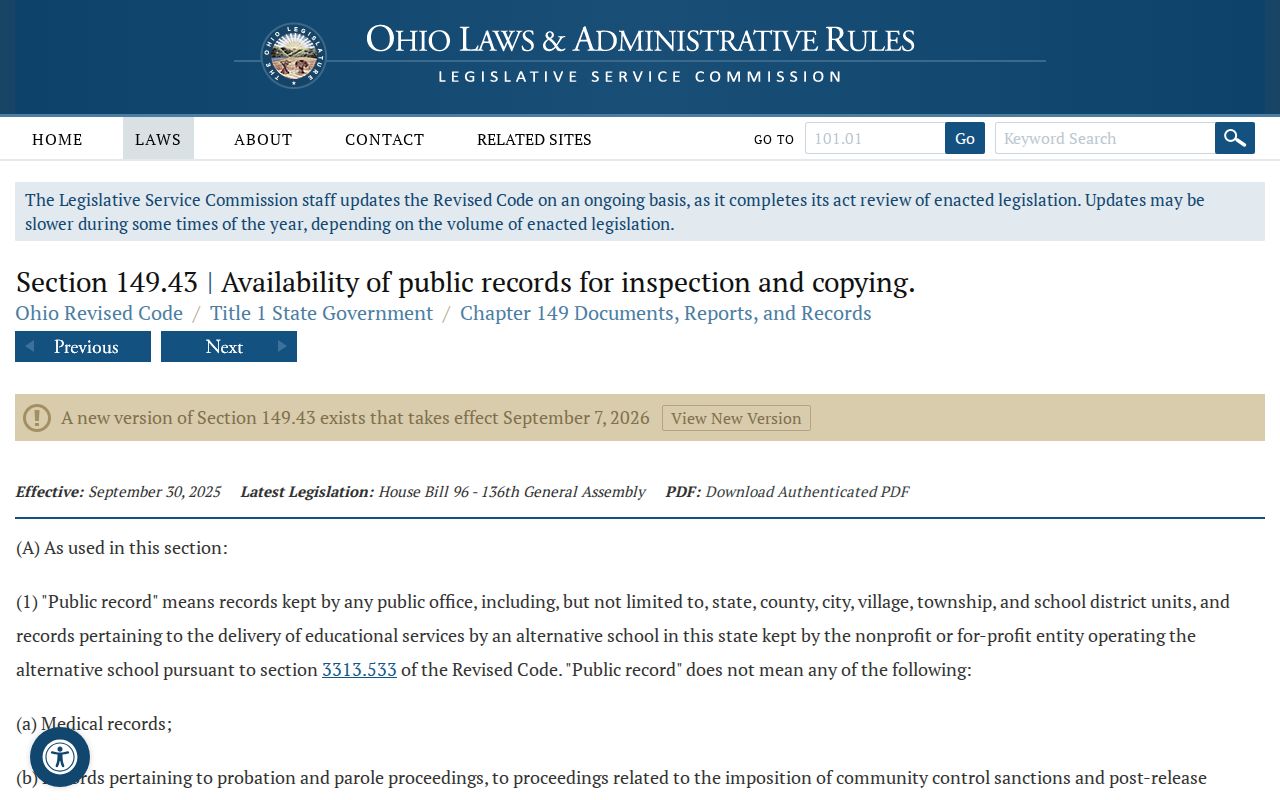
For court case records, the applicable judicial access rules provide the more direct path.
Access Rules for Court Records
Some files sit behind a wall in Auglaize County. The docket shows it. Sealed material may carry an SLD marker in the Municipal case-management system. Local rules cover how the clerk stores sealed paper files. Expunged electronic records get deleted through Equivant. A docket search may return nothing. An entry may look restricted. Either way, you learn very little about what is hidden or why.
Work the problem instead. Note which court holds the case record and read the access status the docket states. Pull the rule or court order that applies. Juvenile confidentiality, adoption, guardianship, mental-health, and personal-identifier protections can each limit access. Ask a clerk or the division how to file the right request. The clerk can explain the channel, not raise the lawful limit itself.
Core rules: Ohio Sup.R. 44-47 covers court-record definitions, access, restriction, and bulk distribution. R.C. 149.43 is the public-records baseline.
Federal Records Are a Separate System
Federal cases live outside the Auglaize County CourtView record system entirely. To search a federal docket, use the proper CM/ECF and PACER environment, and confirm the right court and venue before you begin. PACER's official pricing information states the current terms and fees for federal docket access.
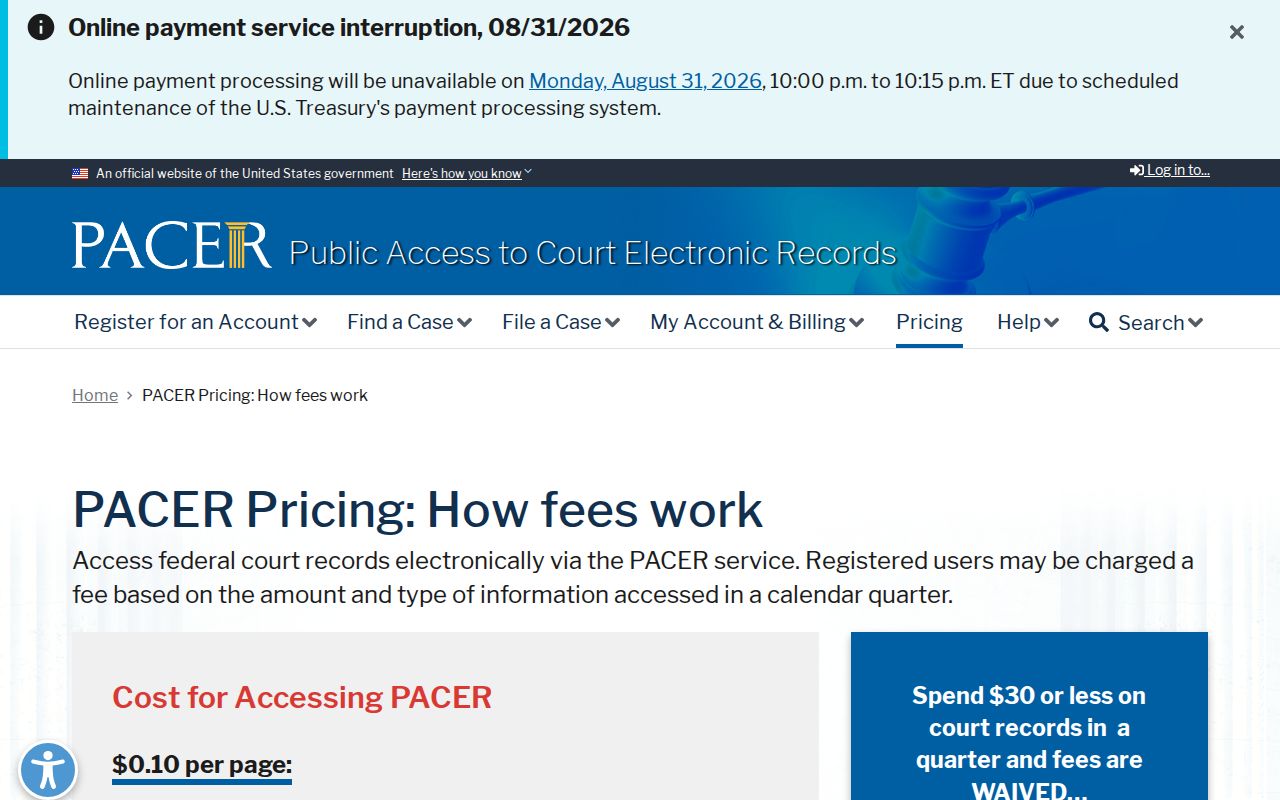
That federal route is a supplement, not a swap for an Auglaize clerk request or a county CourtView docket search.