
Name-Based Case Searches
A name-based Auglaize docket search starts in the CourtView portal for the right court. County instructions ask for at least the first three letters of a last name. They also want a first initial. If nothing comes back, try other spellings. Before opening a result, check the division, caption, year, and case type.
Never treat a broad name match as proof of how a case ended. Open the case docket itself. Read its events in date order. A listed hearing date is a schedule, not an outcome. Likewise, a complaint, indictment, or citation only starts a case. None of them is a disposition.
- Identify the court named on the notice, citation, or filing.
- Open its CourtView search route.
- Enter a surname fragment of three or more letters and the first initial.
- Try a spelling variation if no accurate result appears.
- Verify the caption, year, case type, and court before reading the docket.
| Search field | County guidance | Practical use |
|---|---|---|
| Surname | At least three letters | Use a narrow fragment and try variants. |
| First name | At least the first initial | Helps distinguish similar surname results. |
| Case number | Preferred when known | Use the exact number from a court paper or notice. |
Auglaize CourtView Portal Choice
The county public-access page is the front door to three separate CourtView systems. Common Pleas CourtView handles General Division civil and criminal cases. It usually covers Domestic Relations too. Municipal CourtView covers traffic, misdemeanors, Municipal civil filings, and small claims. For Juvenile/Probate CourtView, use that specialized route.
Picking a portal is the first real decision in a docket search. Ohio has no statewide index of county trial dockets. These local systems carry the load. Appeals sit on a separate Third District docket. Federal cases never appear in CourtView.
Case Number Searches
Nothing beats an exact case number. Type it exactly as printed on your citation, court notice, filing, or clerk confirmation. Keep any leading zeros. The clerk's online-payment guidance lists samples like 2019CR0051, 2019CV0241, and 2019DR0326. That year-plus-case-type pattern shows up in local workflows. It does not fix the format for every division.
When a number returns nothing, first double-check the court and the digits. The portal may simply have historical limits. Or the case may be restricted. Never alter a case number just to force a match.
Auglaize Clerk Review Status
Sending a filing through CourtView does not, by itself, make it a docket entry. Under local e-filing language, the Clerk reviews each submission. Acceptance means it was reviewed, filed, and docketed. That gap explains a lot. A fresh notice or document might not yet appear in a public case search.
Portal e-filing became effective April 30, 2026. The county then disabled the older clerk e-mail e-filing destinations effective May 29, 2026. Old Municipal e-filing material may still describe historic cover-sheet concepts. But a disabled address is no place to send a current filing.
Case Search Results Explained
A result should open into the case docket, the register of actions. That index can show what was filed, scheduled, served, or ordered. It can also show what was heard or entered by the court. It is not always a complete case file. It rarely explains why the court acted. Trust the court's own labels rather than a generic reading.
| Case docket | Chronological index of court and clerk events. |
|---|---|
| Complaint, indictment, or citation | Initiating document, not proof of liability or guilt. |
| Motion | A request for court action, not a ruling. |
| Hearing or pretrial | A setting, not proof that an event occurred or a decision was made. |
| Judgment or disposition | An outcome entry that may be followed by appeal or other work. |
| Costs or balance | A financial event whose current status needs clerk confirmation. |
Auglaize Case Images Can Be Missing
A case entry can exist with no image attached. Public-access materials describe intended image availability for some filings on or after April 6, 2023. But a November 15, 2024 notice said CourtView document images were down because of technical issues. The Clerk FAQ says plainly that dockets are online. Images are not available.
The practical rule: check the live portal. Ask the clerk for a copy when the document itself matters. A past notice proves nothing either way about what is available today. Some limits run deeper than any portal search. Ohio's juvenile probation confidentiality statute shows this by restricting access to certain records.
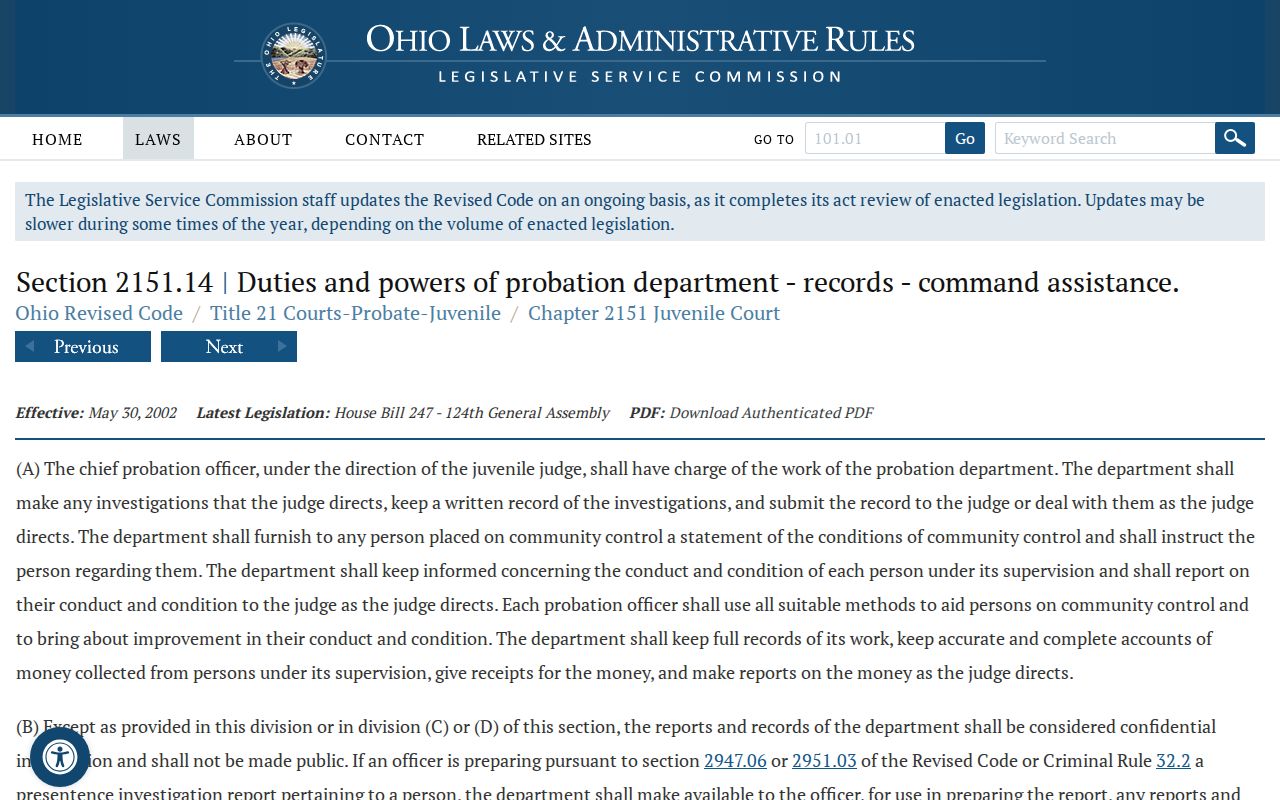
For sensitive Juvenile matters, appearing in a search interface does not erase confidentiality or access restrictions.
Two Ways to Search: County and State
The county route for an Auglaize court docket is CourtView eServices. Ohio offers no statewide portal for county trial court records. State sources help with legal rules and court structure. Still, any local Common Pleas, Municipal, or Juvenile/Probate case must go through its own county system or clerk channel.
| Search path | What it can locate | What it does not replace |
|---|---|---|
| County CourtView | Local case docket and calendar functions for the selected court. | Official copies, unavailable images, older files, or restricted material. |
| Clerk or division | Official local record questions, paper files, and copy requests. | A statewide portal, because none replaces CourtView here. |
| Third District or PACER | Separate appellate or federal cases. | The originating Auglaize trial-court docket. |
Older Auglaize Case Searches
How far back you can search depends on the court. Common Pleas records before February 1, 2000 may not be online. Municipal is different. Traffic and criminal records before October 1, 1993 may be missing from the portal. So may civil and small-claims records before April 1, 1994. These dates point a searcher to the clerk. They never prove a case did not exist.
The practical fallback is the Clerk public counter in Room 043 and its public terminal. Bring the court name and the case number if known. Add an approximate year and the document or entry you need. Older Juvenile or Probate material may require the specific division.
Auglaize Calendar Results Are Not Outcomes
A CourtView calendar entry tells you when something is scheduled, nothing more. A hearing, pretrial, or status conference is just that: an event on the schedule. It is not a result. After the date passes, go back to the Auglaize County case docket and read the judicial entry that follows. That document, not the calendar, records what the judge actually did. A blank calendar is common too. Treat it as a gap rather than proof that a case closed. The court and the clerk remain the channels that settle the question. They step in when the calendar stays quiet.
Which Cases Stay Restricted
Some Auglaize County records are off limits to remote viewing by design. Juvenile cases fall in that group. So do adoptions, guardianships, mental-health matters, sealed files, and expunged cases. The access rules come from Ohio's Rules of Superintendence 44 through 47. These control court records more directly than the general public-records law. Under Rule 45, a court can restrict access using the least restrictive means available. Redaction or limited remote access are examples.
Municipal Rules add an SLD marker for sealed records. They also require secure handling of sealed physical files. A docket search can return nothing. The cause may be a legal access status rather than a failed search. An SLD marker or a restricted case proves only that access is limited. It says nothing about allegations, outcomes, or what the file contains. Ohio's juvenile sealing and expungement statute covers one specialized category of these restricted records.
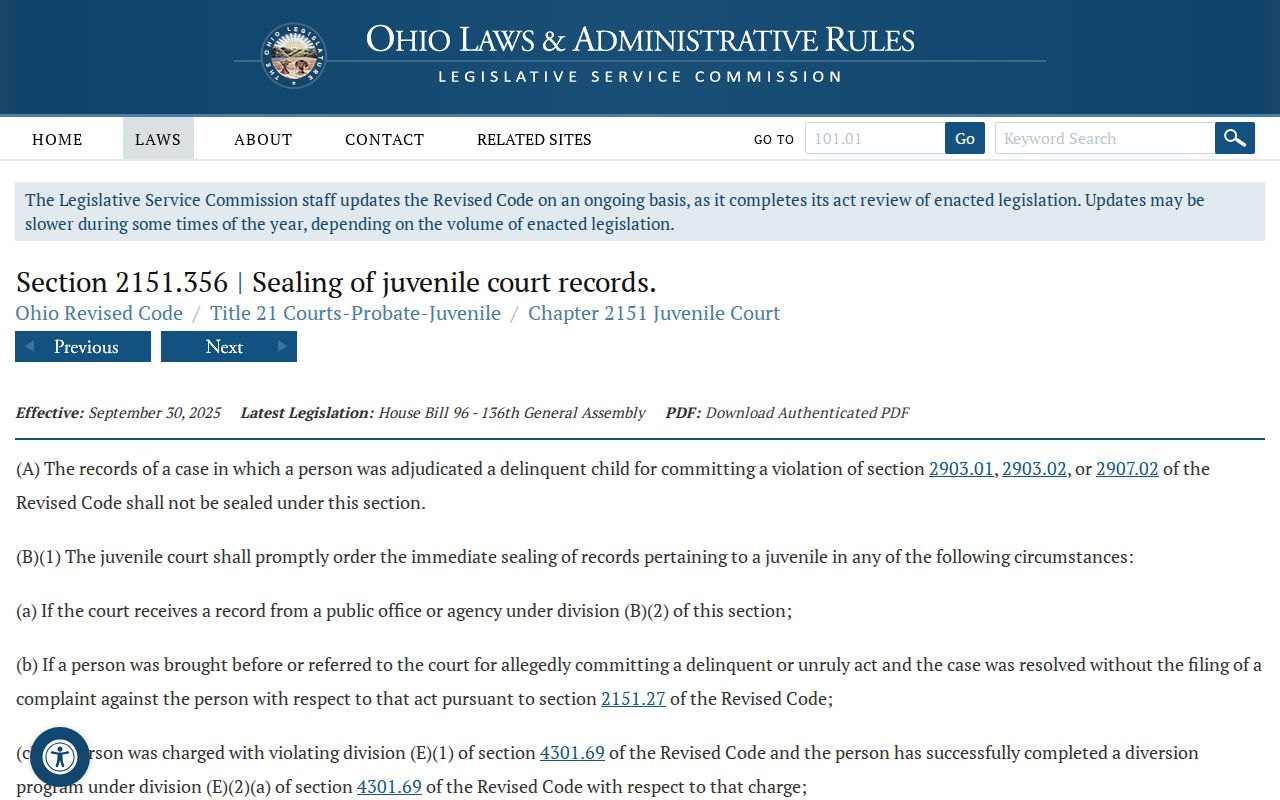
Which cases stay restricted: access depends on court rules and case status, not on whether a portal is technically available.
Auglaize Searches Do Not Reach Federal Cases
CourtView is a county system, not a federal docket. Federal civil, criminal, bankruptcy, and appellate cases live elsewhere. They sit in CM/ECF and PACER. For Auglaize County residents, the Northern District of Ohio is the usual starting point. Confirm the court and venue from the filing itself or a court locator. County CourtView results will never add up to a complete federal case search. The Northern District's CM/ECF and PACER page is the official federal route.
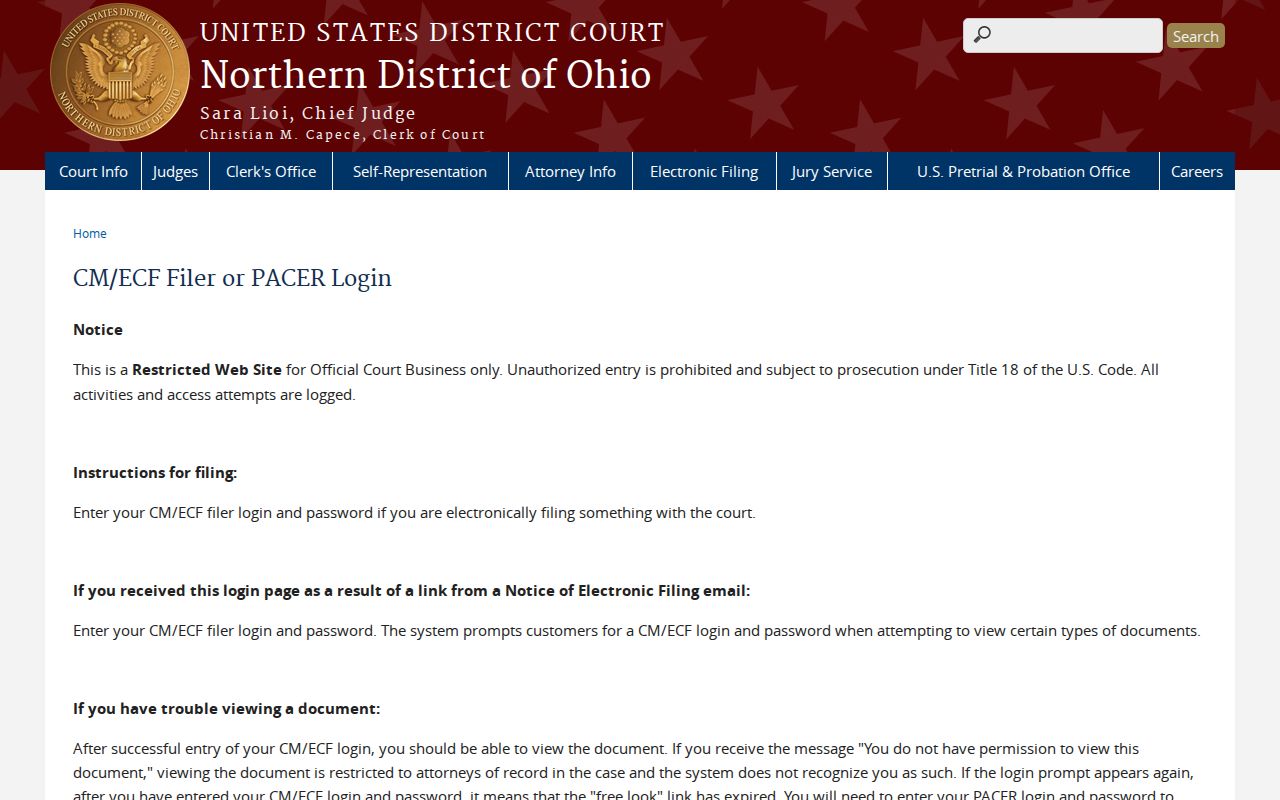
Not a federal search: a federal docket is its own record path and cannot replace a county CourtView case search.